The pocket-sized version of our classic weather app
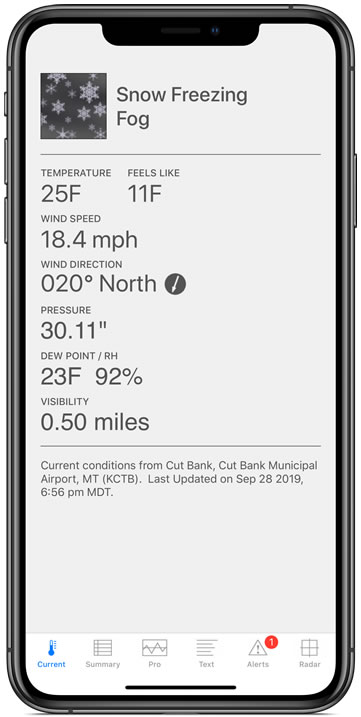
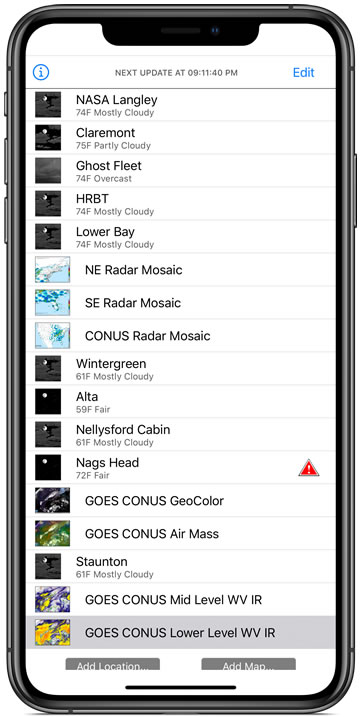
The venerable U.S. weather app Wx, named a Mac Gem by Macworld magazine, is now available for iPhone! Wx displays current conditions, forecasts, alerts, and radar for U.S. locations using high fidelity XML data from the U.S. National Weather Service. The app is designed for two specific types of customers: serious weather watchers who want detailed information and facts with no fuss, and casual users who want a fast, clean, and functional weather app that has low memory overhead and low CPU/battery usage.
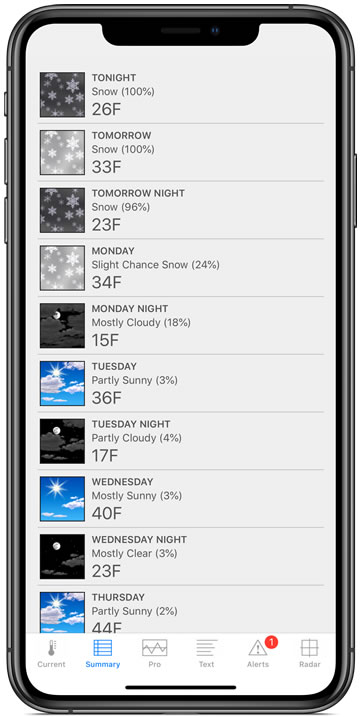
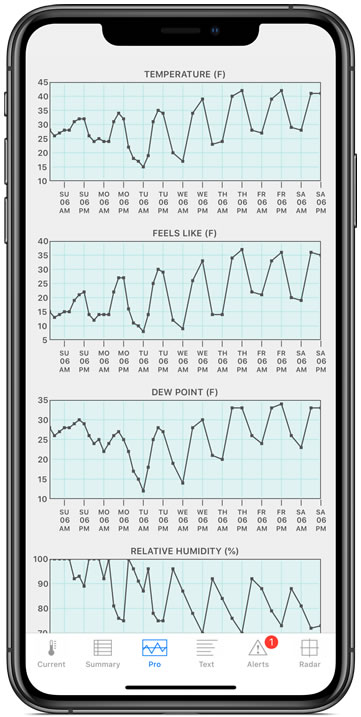
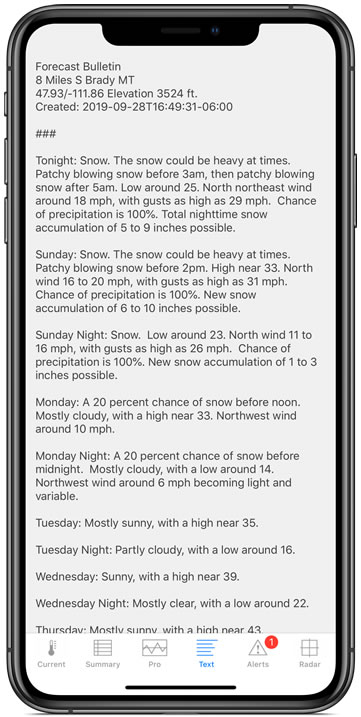
Wx lets you choose your location on an embedded map, and uses that to setup custom forecasts based on the latitude and longitude of the location. Forecasts include a 7-day summary "point" forecast, and a 7-day “pro” forecast that graphs temperature (actual and apparent), dew point, relative humidity, cloud cover, wind speed, wind direction, gust speed, 12-hour probability of precipitation, 6-hour liquid precipitation amount, and 6-hour snow amount. These forecasts are about as good as it gets if you need to plan work, sports, hobbies, and outdoor activities based on upcoming weather. With their high spatial resolution, the point and pro forecasts are especially useful in coastal and mountainous regions, where typical zone forecasts can be inaccurate.
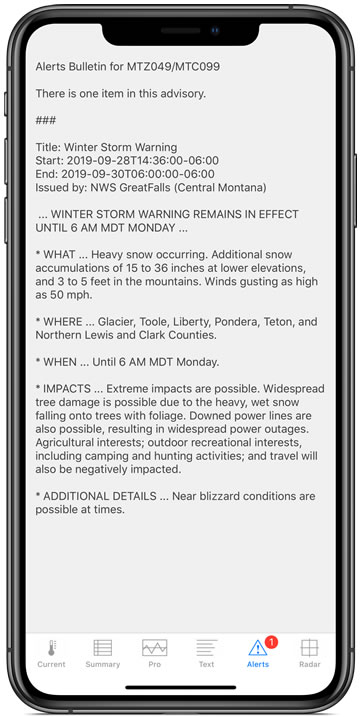
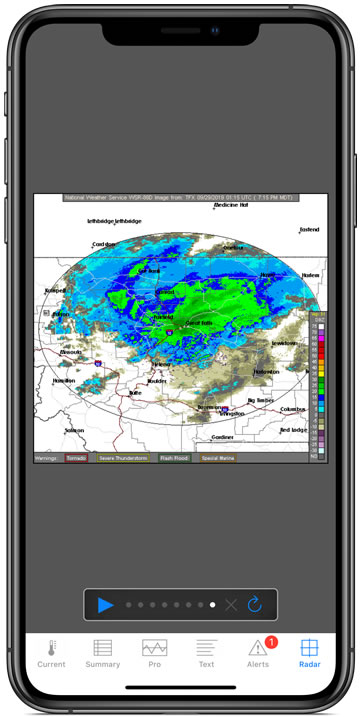
Wx also lets you receive current conditions data from nearby NWS observation sites (over 1700 available in the U.S. and its territories), get radar data from nearby NEXRAD radar sites, and receive warnings from nearby city- and county-based alert zones.
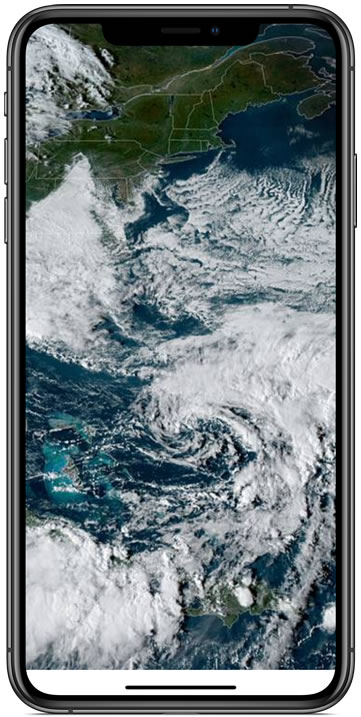
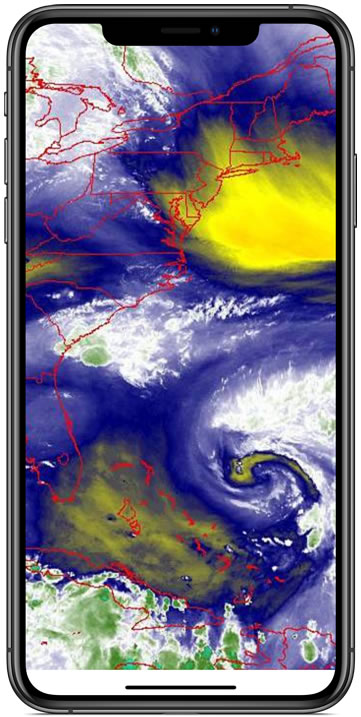
Wx lets you bookmark and setup weather maps for quick reference. Choose from some default NWS maps and images, or provide the URL for any map of your choice and load it right in the app! If you have preferred weather providers, you can load your favorite maps and images right in Wx and keep them handy.
Wx is crafted with attention to detail by a professional software developer with 28 years of experience, 14 years focused on developing weather software for OS X and 11 years writing apps for iOS devices. Wx has multiple levels of redundancy to handle severe weather events that can strain NWS servers, and even offers network settings for both Wi-Fi and cellular operation so that you can fine tune the app’s performance and bandwidth needs.